Best AI Tools Interior Designers Are Using in 2026
Quick Answer: The best AI tools for interior designers in 2026 are Midjourney for visual concept generation, ChatGPT and Claude for idea development, RoomGPT for space visualization, and Canva AI for moodboards and presentations. Together, they help you cut days of concept work down to a focused afternoon — without handing over your creative judgment to an algorithm.
The Landscape Has Changed — Have You?
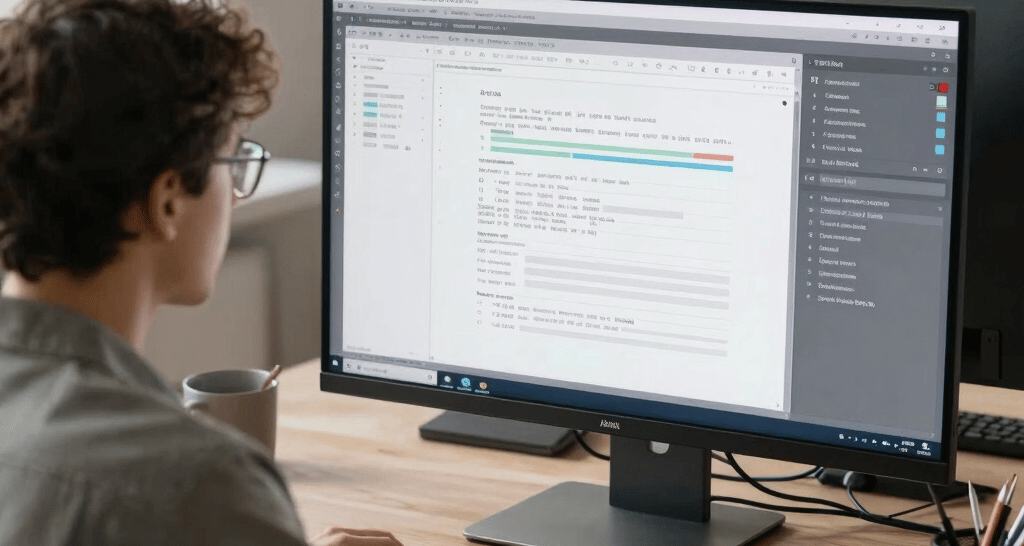
Not long ago, bringing up AI in an interior design conversation would get you politely skeptical looks. Fast forward to 2026, and the designers who aren't using AI tools are simply working harder than they need to.
That's not a knock — it's just the reality of where things stand now.
The tools available today aren't gimmicks. They've quietly become part of how serious designers work — from sole practitioners putting together client concepts to larger studios managing multiple projects at once. We're talking about tools that can take a rough brief and turn it into a visual concept in the time it used to take to find the right Pinterest board.
This article is a practical, honest look at the AI tools interior designers are actually using in 2026, what each one does well, and how to weave them into your workflow without needing a tech background to get started.
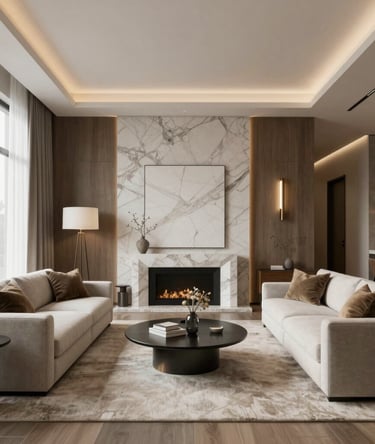
What Makes an AI Tool Worth Using for Interior Design?
There's no shortage of AI tools claiming to be the next big thing for creatives. Most aren't worth your time. The ones that are tend to share a few qualities:
• They save time on tasks that are genuinely eating your day
• The output is usable — not perfect, but a solid starting point
• They don't require you to learn an entirely new way of working
• They fit around your process rather than forcing you to rebuild it
With that filter in mind, here's what's actually worth your attention in 2026.
─────────────────────────────────────
Best AI Tools for Interior Designers in 2026
1. Midjourney — Best for Visual Concept Generation
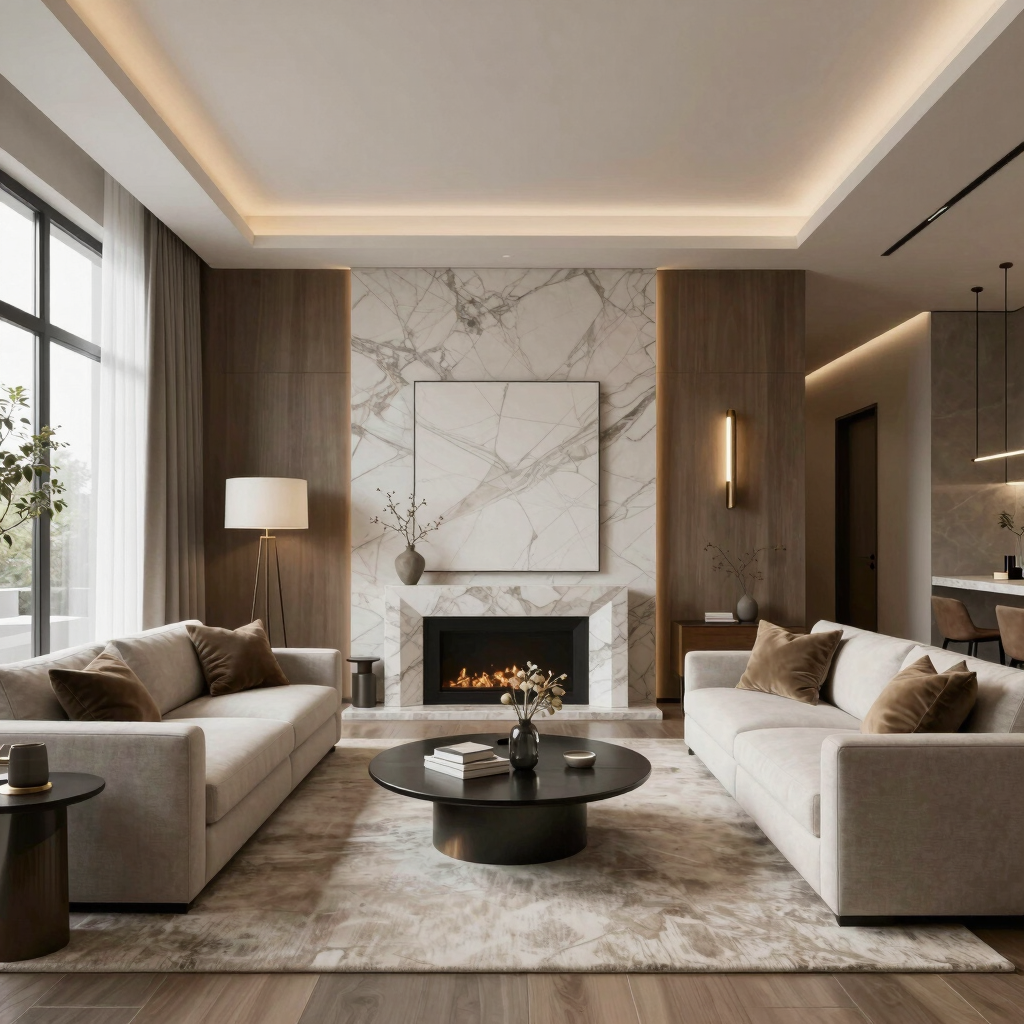
If you only try one tool from this list, make it Midjourney. It generates photorealistic interior visuals from text descriptions, and the quality in 2026 is at a level that still catches people off guard the first time they use it.
What it's great for:
• Generating concept visuals before committing to a full 3D render
• Exploring multiple style directions in a single session — Japandi, soft minimalism, modern classic
• Creating aspirational imagery that gets clients genuinely excited about a direction
The thing most designers get wrong with Midjourney is being too vague. "A modern living room" gives you something forgettable. "A warm, sun-filled living room with plastered walls, an aged oak floor, a linen sofa, and a single oversized pendant in brushed brass" gives you something you might actually want to present to a client.
💡 Pro tip: Visit the Chicspaces Prompt Library for hundreds of professionally verified interior design prompts — organized by room type, style, and AI tool. Copying a proven prompt is always faster than writing one from scratch.
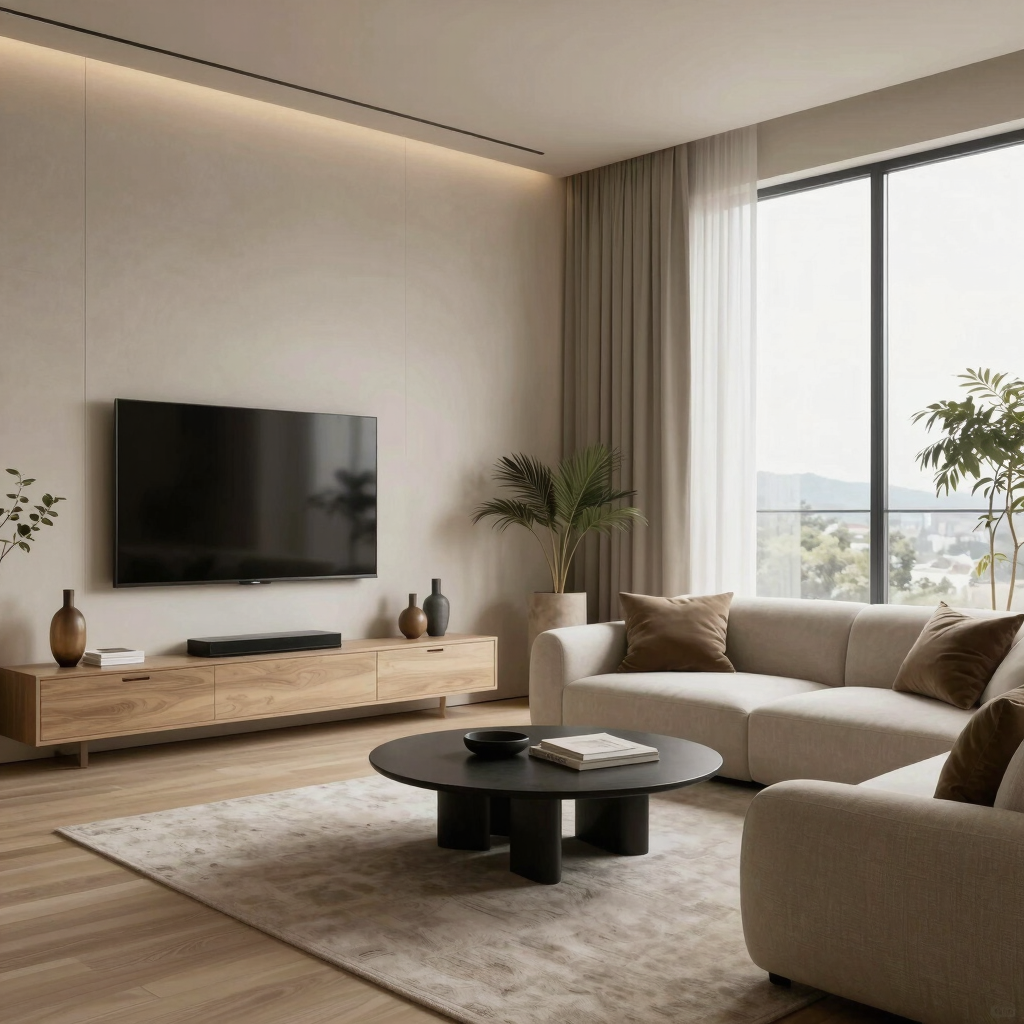
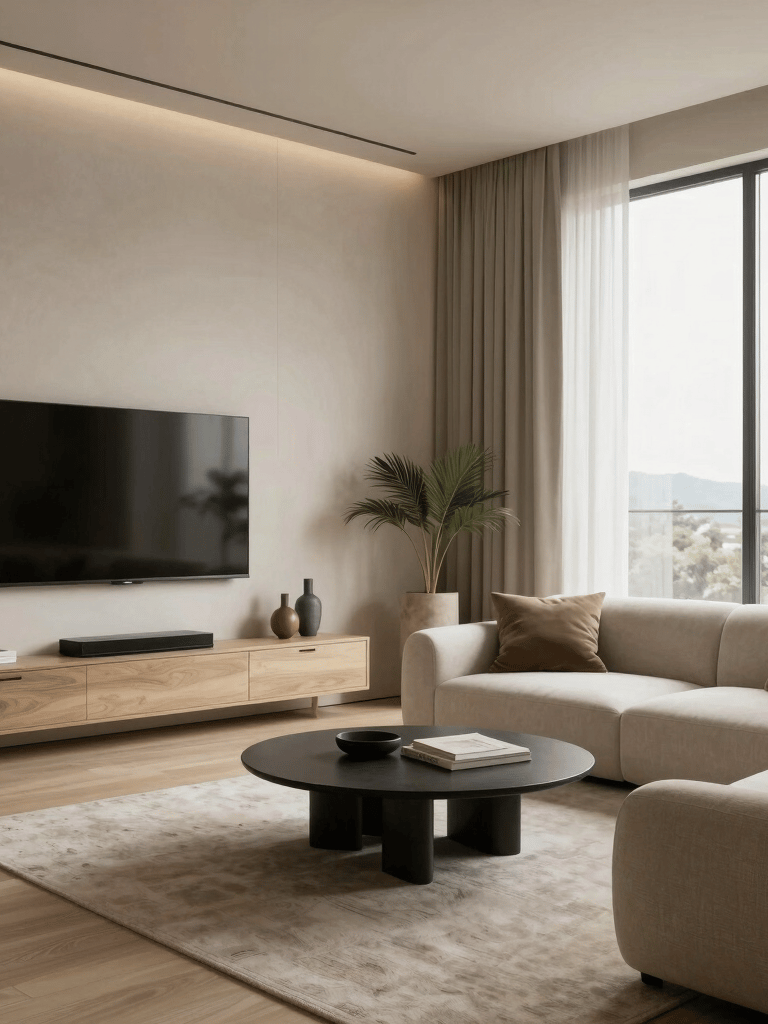
2. ChatGPT / Claude — Best for Concept Development and Writing
These tools don't get enough credit in design conversations because they're not visual. But they may be the most useful AI tools in the early stages of any project.
What they're great for:
• Unpacking a vague client brief and turning it into a clear design direction
• Generating material and furniture recommendations tailored to a specific brief
• Writing the concept narrative that goes into your client presentation
• Drafting proposals, emails, and project descriptions without starting from a blank page
Think of them less like a search engine and more like a collaborator who has read everything and never has a bad day. Give them real context: the client, the space, the lifestyle, the budget. The more specific you are, the more useful the output.
3. RoomGPT — Best for Quick Space Visualization
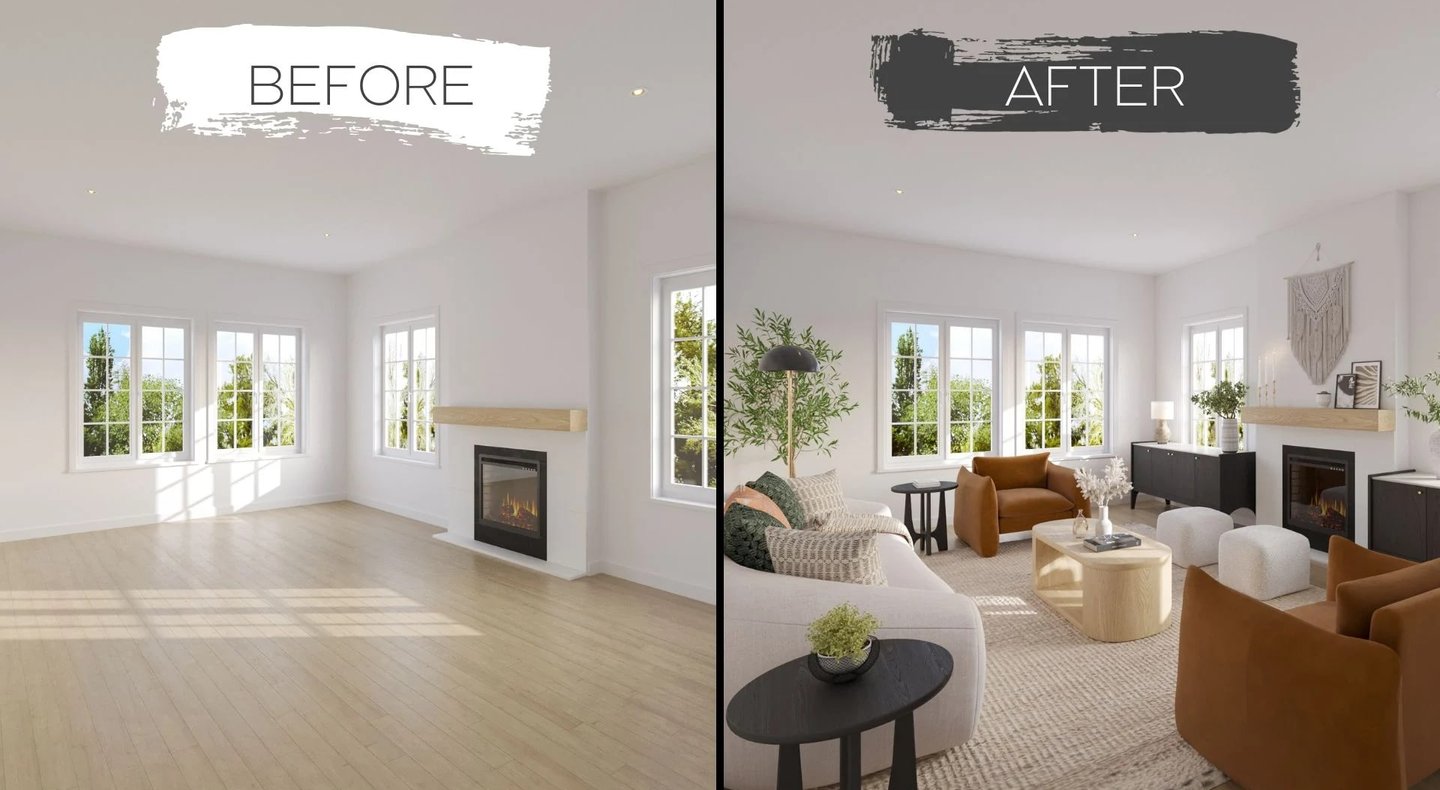
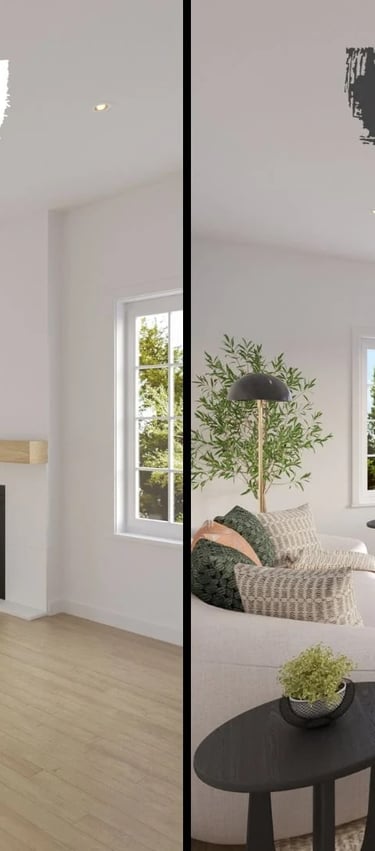
RoomGPT does something no other tool on this list does quite as well: it lets you upload a photo of an actual room and reimagine it in a completely different style. That's a surprisingly powerful thing to be able to show a client who struggles to visualize change.
What it's great for:
• Showing clients what their existing space could look like with a different direction
• Quick before/after visualizations for renovation or restyling projects
• Exploring style options without the time and cost of a full 3D model
4. Adobe Firefly — Best for the Adobe Ecosystem
If Photoshop and Illustrator are already open on your screen every day, Adobe Firefly feels less like a new tool and more like a natural extension of what you're already doing. The real advantage is the integration — you don't need to export files or switch platforms.
What it's great for:
• Editing and extending AI-generated concept images directly in Photoshop
• Generating textures, material references, and custom pattern work
• Removing or replacing elements in moodboard imagery without fiddly manual editing
5. Canva AI — Best for Moodboards and Presentations
Canva has been useful for designers for a while. The AI features added over the last couple of years have made it meaningfully better — not just faster, but smarter about layout and imagery.
What it's great for:
• Building client-ready moodboards without spending an hour hunting for references
• Generating presentation layouts that look polished without graphic design skills
• Quick social content that showcases your work without a full production process
💡 Try Canva's Magic Design feature with your own uploaded images and a defined color palette. It generates layout options in seconds that you can refine rather than construct from nothing.
6. Gamma — Best for Presentation Design
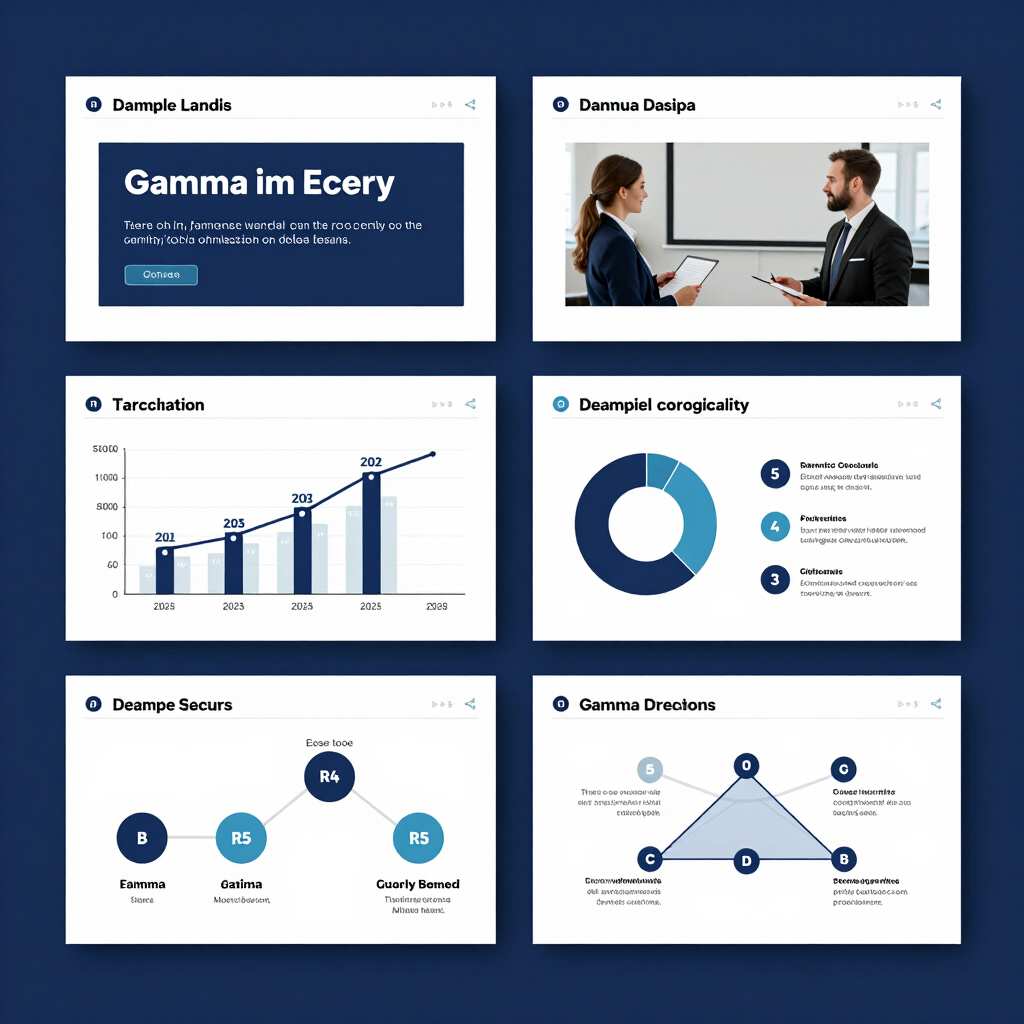
Gamma is the tool designers recommend to each other in the 'wait, have you tried this?' way. It builds full presentation decks from a text brief — structure, layout, imagery, everything — in minutes.
If you're a designer with strong ideas who finds presentation-building genuinely tedious, Gamma will feel like a relief.
7. Stable Diffusion — Best for Advanced Users Who Want Full Control
This one isn't for everyone. Stable Diffusion is open-source and free to use, but requires more technical setup than anything else on this list. The trade-off is total flexibility — including training the model on your own portfolio to generate visuals in your specific style.
If you're just getting started, begin elsewhere and come back to this one later.
─────────────────────────────────────
How These Tools Fit Into a Real Workflow
In practice, most designers use two or three tools that solve specific problems — not all of them at once. But if you wanted to map out a full AI-assisted workflow, it would look something like this:
• ChatGPT or Claude — develop the concept direction from the brief
• Midjourney or RoomGPT — generate visuals and explore style directions
• Canva AI — build the moodboard with materials and palette
• Adobe Firefly — refine and polish the imagery
• Gamma — pull everything into a client-ready presentation
What used to take three or four days can now happen in a focused afternoon. Not because the thinking is less rigorous — but because the mechanics around that thinking have gotten dramatically faster.


Frequently Asked Questions
Can AI replace interior designers?
Short answer: no. The longer answer is that the more you actually use these tools, the more obvious that becomes. AI is very good at generating visuals and processing information quickly. It is not good at understanding what a specific human being needs to feel comfortable and happy in their home. That's a deeply personal, nuanced thing — and it's exactly what interior designers are trained to do.
What is the best AI tool for interior design in 2026?
For most designers, Midjourney is the single most impactful tool for visual concept work. Pair it with ChatGPT or Claude for the thinking and writing side, and Canva AI for moodboards, and you have a workflow that covers most of what used to take days. That said, the best tool is always the one that solves a real problem in your specific process.
Is it expensive to use AI tools as a designer?
Less than you might think. Midjourney starts at around $10 a month. Canva Pro is similarly priced. RoomGPT has a free tier to start with. For most solo designers or small studios, a solid AI toolkit costs less than a single billable hour — and the time it saves is measured in days, not minutes.
─────────────────────────────────────
Final Thoughts
The designers doing their best work in 2026 aren't necessarily the most experienced or naturally talented. They're the ones who figured out how to remove the friction from their process — and AI tools are one of the most effective ways to do that right now.
You don't need to overhaul how you work overnight. Pick one tool that solves a real problem you have today, try it on an actual project, and see what happens. That's all it takes to start.
Your instincts as a designer are still the most valuable thing you bring to every project. AI just gives those instincts more room to breathe.
Explore more design workflows and browse our curated Prompt Library at Chicspaces
Chicspaces
Design faster without designing less.
Navigate
Home
Prompt Library
Digital Products
AI Tools
Services
Pricing
Get in touch
hello@chicspaces.co
Support available Mon–Fri, 9–6 ET
Remote-first — serving designers worldwide
(C) 2026 Chic Spaces-Professional-grade tools for working designers.
Visual thinking accelerated